

Texture Optimization
Hand-made clothing packs are often bloated with textures the game doesn't like: odd sizes, no mipmaps, wrong compression. The texture optimiser re-encodes them smaller. It shows you what it will save before anything is written, and it never makes a file bigger.
Where to start it
| Scope | How |
|---|---|
| One texture | Right-click it in the item's Textures panel and choose Optimize texture…. |
| One item | Click the Optimize tool tile (Texture size) in the item panel, or right-click the item and choose Optimize textures…. |
| Textures inside a model | Right-click the item and choose Optimize embedded textures, or use the Embedded window in the Textures panel. |
| Several items | Select them, right-click and choose Optimize textures in the selected items… or Optimize embedded textures. |
| The whole project | Optimize project textures… in the menu, or Scan and optimize… in the project settings. Every attached and embedded texture is included. Untick Include embedded to leave models alone. |
| A .ytd outside a project | Right-click it in Windows Explorer and choose Quick Optimize Textures (under "Show more options" on Windows 11). The file opens in the Inspect window on its optimise view. A backup copy is written beside it before the file is rewritten. There is no Ctrl+Z here, so use the backup to go back. |
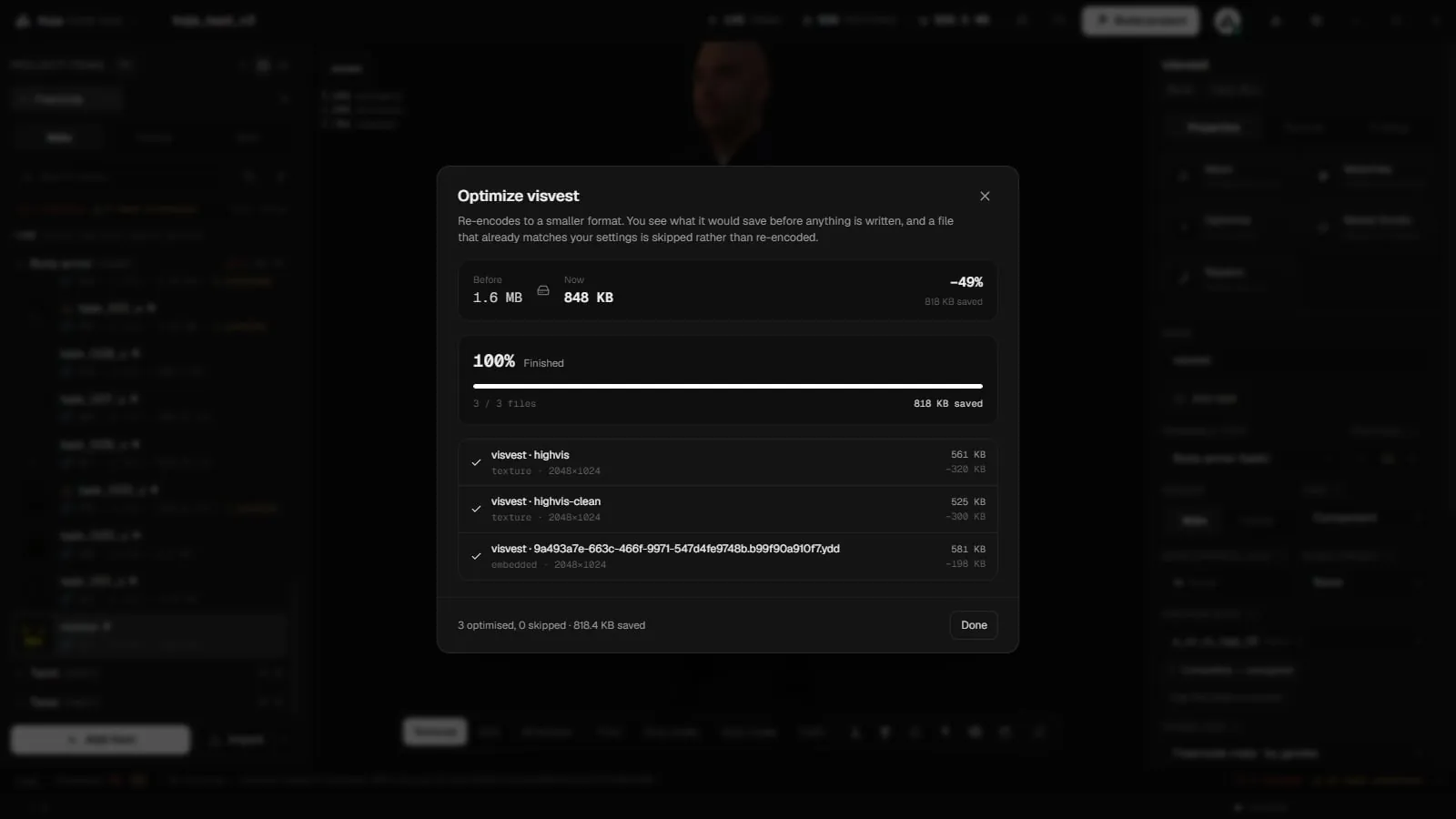
Every way opens the same settings, with a before/after estimate. Files that already match your settings are skipped rather than re-encoded.
Easy: one Quality slider
In Easy mode you move one Quality slider, from "smaller · faster" to "best looking":
| Setting | What it does |
|---|---|
| Lowest | Nothing larger than 1024 across, which is about a quarter of the bytes for each 2048 texture, and the fast compressor. Fine print and smooth shading soften a little. Good for a first pass or a very large pack. |
| Medium | Every texture keeps its resolution and gets the smallest format that holds everything you can see. Shrinks a pack without you having to check the result. |
| Highest | Full size, BC7 for anything see-through, and the sharpest mip filter. It is the slowest by far, so check the estimate before starting on a large pack. |
If you change something in Advanced, the slider shows Custom. Picking a preset again replaces your settings.
Advanced: every setting
Switch to Advanced for every setting. Each one has a ? with examples.
| Setting | What it does |
|---|---|
| Format | Automatic (recommended), or force BC1, BC3, BC5 or BC7. |
| Maximum size | The setting with the largest effect on pack size, and the one most likely to show. No limit keeps the resolution. |
| Mipmaps | Smaller copies used at distance. They make the texture smoother far away and stop shimmering. Leave them on. |
| Smallest mip | Where the mip chain stops. A matter of tidiness more than size. |
| Compression | Quality (the default) or Fast. Fast is about twenty times quicker and slightly softer. Use it for very large packs or a first pass. |
| BC7 for transparency | Stores textures that need a full alpha channel as BC7 instead of BC3. It is the same size, looks cleaner and is much slower. Solid textures and normal maps are not affected. |
| Let files get bigger | Off by default. Turn it on only to add mipmaps to a pack that shipped without them. |
| Filter | The mip filter: Box, Triangle, Mitchell or Kaiser. Box is neutral, and Kaiser keeps the most detail at distance. |
Non-power-of-two textures are resized to the nearest power of two, because GTA V needs that.
What Automatic picks
| Texture | Format |
|---|---|
| Already compressed | Keeps its current format. Normal maps are never switched to another format. |
| No transparency, or cut-out transparency (lace, hair, eyelets) | BC1: 4 bits per pixel, the smallest. BC1 stores one bit of alpha. |
| Soft or partial transparency | BC3: 8 bits per pixel, or BC7 when BC7 for transparency is on. |
Forcing one format on a whole project is usually worse than Automatic, and it is the quickest way to make a pack heavier than it started.
The never-grow rule
Optimising never makes a file bigger. Anything that would come out heavier than it went in is left exactly as it was, unless you turned on Let files get bigger. A run that changes nothing says so. A .ytd that holds several textures keeps all of them.
Managed copies, backups and undo
- When you import, the files are copied into the project. Optimising rewrites the project's copy, never your original files.
- Before textures inside a model are optimised for the first time, the model is backed up as an
.optbakfile beside it. Restoring the model's original textures also undoes a mesh optimisation. - An optimise in a project can be undone with Ctrl+Z.
- The log reports how many files were optimised and skipped, and how much was saved.
Find oversized textures first
New in 2.0.8, a check flags a large texture the mesh barely uses. It reports how much of the texture the mesh actually covers and suggests a smaller size to shrink it to. Its one-click fix opens the optimiser on that texture with the suggested size. You can tune the thresholds (Wasted texture space) in the validation settings. See Validation.
Exporting
To get textures out of the project, right-click in the Textures panel and choose Export all as DDS… or Export all as PNG….
Related pages
- Items and Textures: texture variants and the Textures panel.
- Mesh Optimizer: make the models lighter too.
- Validation: texture size checks and one-click fixes.
- Limits: what the game tolerates.